
Table of Contents
Why Standard Backpacks Fail to Protect Your Tech
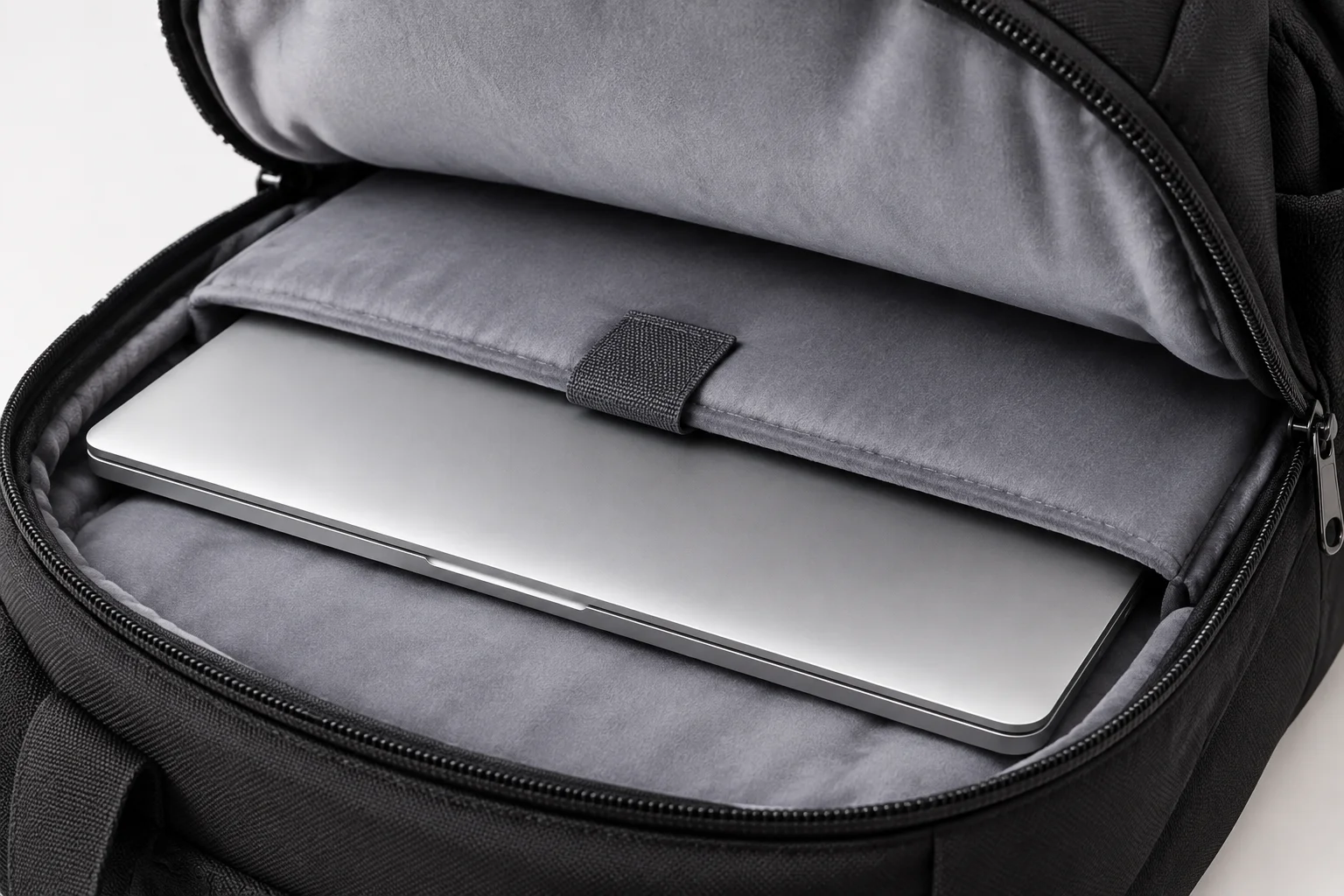
Most urban commuters discover too late that an unstructured school rucksack or standard canvas tote offers negligible shock dissipation for sensitive electronics. When your bag drops abruptly onto a tiled transit floor or slides under a tight train seat, an unpadded laptop base transmits the full impact force straight into the laptop chassis, hinges, and screen assembly. A dedicated computer bag prevents these catastrophic drop fractures by engineering high-density buffered perimeters around the device.
Contemporary mobile work styles require carrying high-output charging adapters, power banks, external drives, and cables right alongside the primary computer. Selecting an effective carrier requires looking past external appearance to inspect internal foam firmness, false-bottom elevation that keeps hardware suspended above ground contact, and balanced harness geometry that prevents cervical spine fatigue throughout long journeys.
Need Dedicated Laptop Protection On Your Commute?
Explore our precision-engineered bags with reinforced laptop compartments and weatherproof fabrics.
Critical Construction Standards for Laptop Bags
| Feature Category | Recommended Standard | Why It Matters |
|---|---|---|
| Sleeve Suspension | Minimum 25 mm false bottom | Prevents corner drops from striking bare floor surfaces directly |
| Foam Density | High-density EVA or memory foam (8–10 mm) | Absorbs kinetic pressure rather than collapsing under heavy weight |
| Exterior Weatherproofing | 600D–1000D Cordura or DWR-coated Ballistic Nylon | Blocks rain penetration and prevents sudden moisture ingress |
| Hardware & Fasteners | YKK AquaGuard or reverse-coil self-repairing zippers | Stops zipper teeth failure and prevents moisture leaks along top seams |
Ergonomic Weight Distribution and Internal Architecture
Carrying five to eight kilograms of computer equipment and accessories through daily transit creates repetitive tension across the trapezius and lumbar muscles. Superior tech bags address this strain through thermoformed back panels equipped with central spine ventilation channels and anatomical S-curve shoulder straps. By holding the densest hardware upright against your natural center of gravity, leverage on the shoulders drops noticeably, avoiding upper back fatigue long before your day concludes.
Internal compartmentalization must prevent heavier accessories from clattering into the computer sleeve. Stash pockets lined with microfleece secure screens and lenses, while dedicated elastane loops organize charging cables, dongles, and styluses. When the interior architecture keeps each tool anchored in its own perimeter, the bag maintains a stable, self-standing profile whether resting on an office desk, a cafe bench, or inside an overhead bin.
A truly protective laptop bag isolates your hardware from impact, weather, and motion shock before those stresses ever reach the computer chassis.
— Olivia Taylor, Industrial Gear Designer
Three Non-Negotiable Structural Elements
- Floating Suspended Sleeve: Keeps the laptop elevated at least one inch from the bottom seam so hard drops never transfer force into your computer.
- Weather-Sealed Reverse Zippers: YKK AquaGuard or polyurethane-sealed tracks that keep unexpected rain bursts and puddle splashes away from internal electronics.
- Breathable Contoured Harness: Ergonomic S-curve straps paired with channeled EVA foam back panels that distribute weight evenly and vent heat buildup.
Frequently Asked Questions
Quality laptop packs utilize 8 mm to 12 mm of high-density EVA or closed-cell polyethylene foam on all four sides. Equally crucial is the bottom clearance: a suspended pocket (false bottom) that holds the device 25 mm above the bag bottom provides far more real-world impact protection than thin foam that bottoms out during an accidental drop.
Reader Discussions & Comments
Share your feedback and thoughts on this guide.
Leave a Comment
Related Bag Guides & Articles
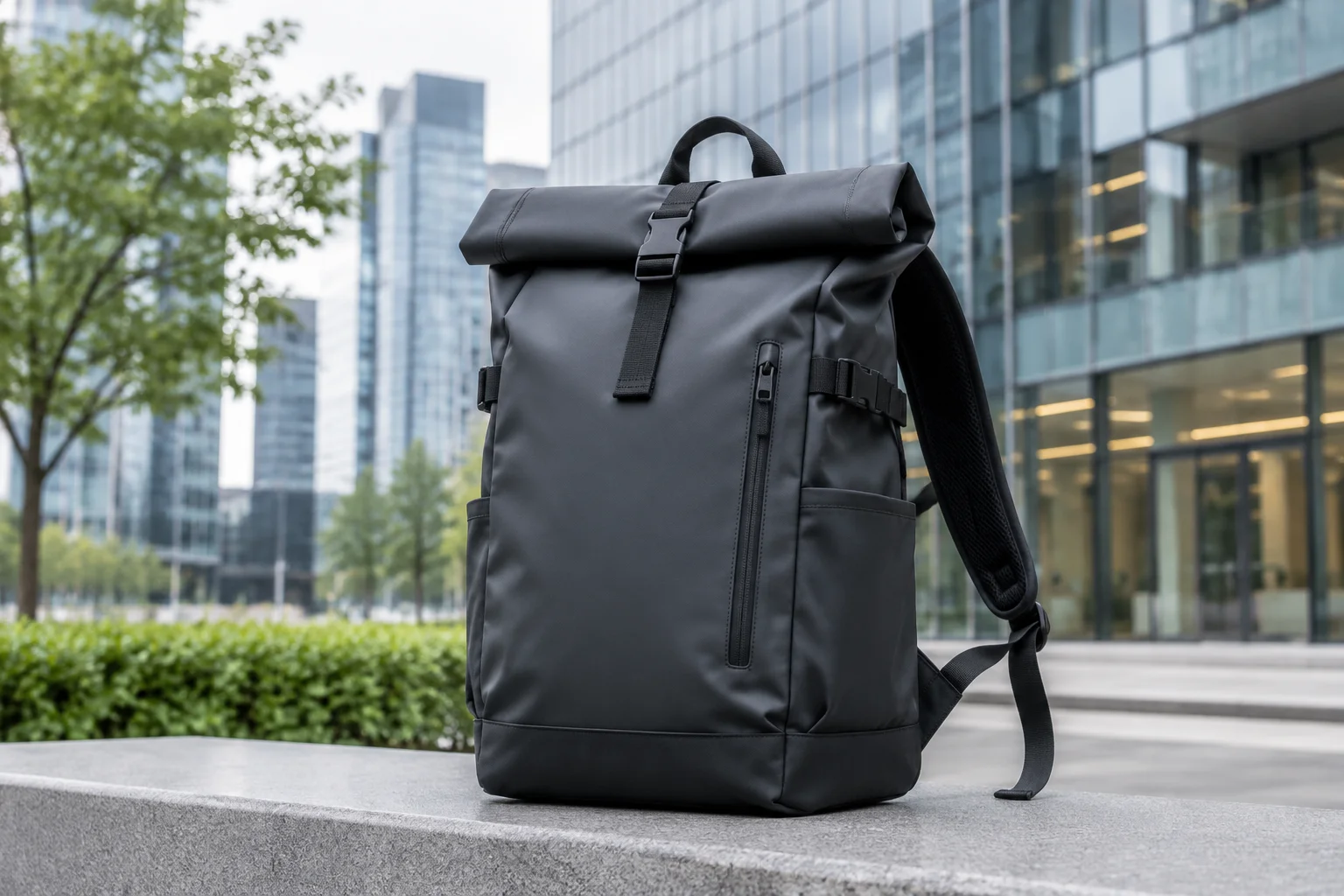
Why Roll-Top Backpacks Are Trending
Explore why expandable roll-top packs have become the go-to silhouette for urban commuters and cyclists seeking versatile volume.
Read Full Article
Waterproof vs Water-Resistant Bags
Understand the technical differences between water-resistant coatings and fully submersible waterproof fabrics before your next purchase.
Read Full Article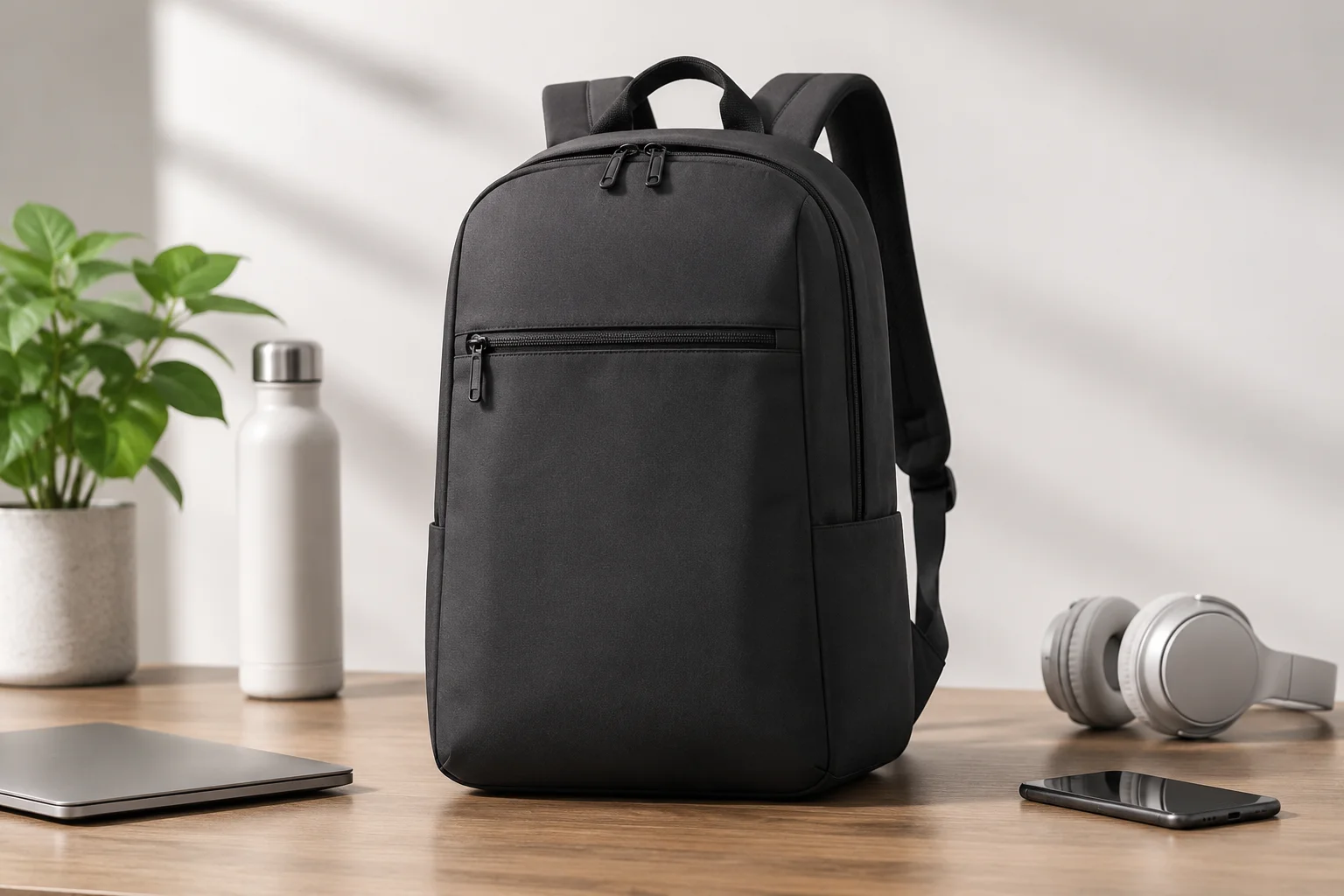
The Evolution of the Modern Daypack
How outdoor heritage rucksacks transformed into minimalist, tech-ready daily carriers equipped for modern work and urban living.
Read Full Article
Noah
Verified ReaderPadding is definitely the most important feature. Dropped my previous pack on the train platform and cracked the screen bezel because the bottom had zero foam suspension.